
PS4 to PS5 Trophy Auto Pop & Save Transfer Games List
Discover the ultimate PS4 to PS5 Trophy Auto Pop & save transfer games list. Learn how to migrate your save data and instantly unlock your platinum trophies on the new generation.
PS4 to PS5 Trophy Auto Pop is a lifesaver for PlayStation players who want to upgrade their games without losing their hard-earned platinum trophies. In this guide, we will walk you through exactly how to transfer your save data to your next-gen console and provide a complete list of games that support automatic trophy unlocking.
Since the launch of the PlayStation 5, millions of gamers have transitioned to the current generation of console gaming. Along with enhanced graphics, faster loading times, and the DualSense controller, Sony introduced a feature that has become incredibly popular among achievement hunters: the PS4 to PS5 save transfer. For many cross-generation titles, carrying your progress over doesn’t just mean continuing your story; it means you can instantly unlock PS5 trophies you have already earned on the PS4 version.
This phenomenon, widely known within the community as a “trophy auto pop,” allows you to earn a second Platinum trophy with minimal to no extra effort. However, not every game handles this process exactly the same way. Some titles grant you the Platinum trophy the moment you load your transferred save file, while others might only give you a partial auto-pop, requiring you to perform a specific in-game action to trigger the rest of the list. If you are looking to boost your PlayStation Network level and secure some easy rewards, you have come to the right place. Below is the comprehensive guide and complete list of games that support PS4 to PS5 save transfer auto-popping.
How Does PS4 to PS5 Trophy Auto Pop Work?
Before diving into the games list, it is essential to understand that the save transfer process is entirely dependent on how the developers implemented it. There is no universal system-level button that automatically converts all your PS4 data to PS5 data. In most cases, you must have the PS4 version of the game installed or have access to its main menu. From the PS4 menu, you upload your save to the developer’s specific server, and then you boot up the PS5 version of the game to download that same file.
Games that are entirely server-based (like online multiplayer titles or live-service games) handle this automatically. Once you log into your account on the PlayStation 5, the servers recognize your accomplishments and will instantly auto-pop the trophies without any manual upload required. On the other hand, some single-player games demand that you perform one minor action—such as completing a single quest, buying an item, or finding one collectible—to force the game to re-evaluate your progress and shower you with trophies.

Games With Instant Platinum Auto-Pop
The following titles are considered the holy grail for trophy hunters. If you have the Platinum trophy unlocked on the PS4 version, transferring your 100% completed save file to the PS5 version will instantly unlock the Platinum for a second time.
- A Plague Tale: Innocence: All trophies will auto-pop instantly after you click ‘Conflict Synchronisation’ in the main menu.
- Assassin’s Creed Valhalla: The base game trophies will auto-pop as soon as you load into your transferred save.
- Cyberpunk 2077: Loads of progression is tied to your save. Transferring a completed file gives you an instant Platinum.
- Death Stranding Director’s Cut: You will receive the vast majority of trophies immediately upon loading your imported save, though a couple of Director’s Cut-specific additions may require slight cleanup.
- Destiny 2: Because the game tracks your progress via Bungie’s servers, launching the PS5 version automatically unlocks all trophies you have previously earned.
- Diablo IV: Similar to Destiny, Blizzard’s servers track your progress. Logging in on the PS5 will grant you an instant Platinum if you finished it on the older console.
- Elden Ring: Loading your completed PS4 save file on the PS5 version triggers an instant Platinum pop.
- Final Fantasy VII Remake: You must upload your save from the PS4 game menu and download it on the PS5 menu to instantly earn the Platinum.
- God of War Ragnarok: Seamless auto-pop functionality upon loading a completed save file.
- Grand Theft Auto V: Rockstar allows you to migrate your GTA Online character and story mode save, unlocking the respective trophies immediately.
- Hogwarts Legacy: Grants an instant Platinum upon save transfer.
- Horizon Forbidden West: Another first-party Sony game that flawlessly awards you your second Platinum just by loading the transferred data.
- Marvel’s Spider-Man Remastered & Miles Morales: Both titles allow you to export your PS4 save from the main menu and import it to the PS5 version for an immediate Platinum.
- No Man’s Sky: Save transfers grant an instant Platinum, including all DLC trophies you have completed.
- Star Wars Jedi: Fallen Order: Loads instantly upon bringing your older save data into the upgraded version.
Games With Partial Auto-Pop Requirements
Not all games are generous enough to hand you the Platinum right at the menu screen. The following games support save transfers, but they will only give you a “partial” auto-pop. This means some trophies will unlock automatically, but you will need to put in a little bit of extra work to secure the Platinum.
- Alan Wake Remastered: If you have 100% completion on PS4, importing your save will pop the Nightmare difficulty trophy. However, to trigger the collectible trophies, you need to collect at least one more manuscript page in the game.
- Apex Legends: As a server-based game, it only partially auto-pops. You will instantly receive the “The Player” and “Well-Rounded” trophies, but you will have to earn the rest naturally.
- Ghost of Tsushima: Almost every single trophy auto-pops instantly when you transfer your save file. The only exception is the Photo Mode trophy, which requires you to open the mode and take a single picture to pop.
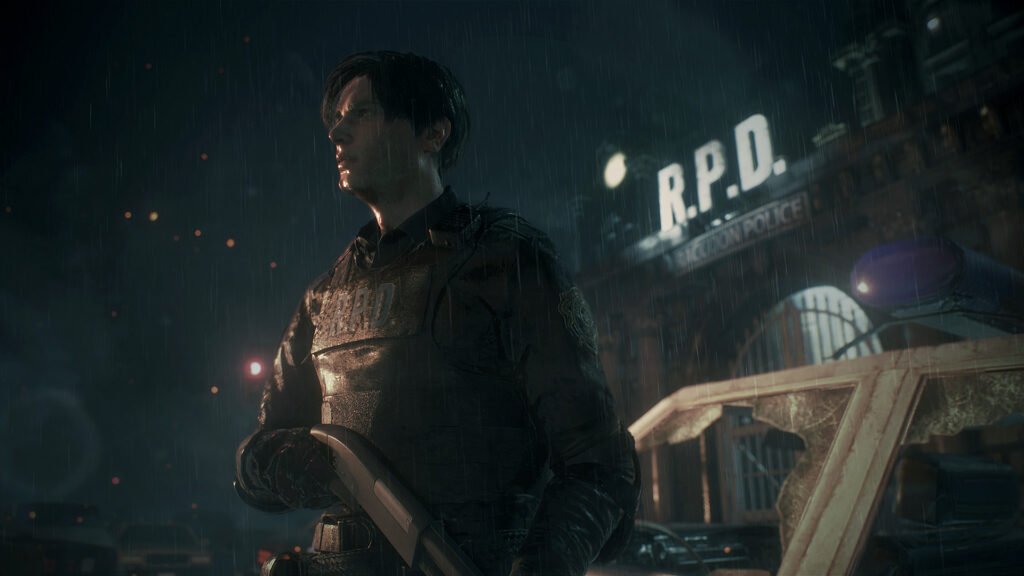
- Resident Evil Series (2, 3, and 7): These Capcom titles offer a partial auto-pop system. Depending on the game, you may need to perform certain actions again, such as getting a single kill or completing a short chapter, to force the game to register your older stats.
- Dirt 5: Trophies related to mileage and currency might pop, but career progression trophies often require you to replay the final events of a chapter.
- Fall Guys: While it once offered a full auto-pop, updates to Epic Games accounts have made this list glitchy. It is highly recommended to do research before transferring, as some users report partial unlocks depending on their server data.
“Unlock every achievement with our complete The Blood of Dawnwalker Trophy Guide & Roadmap. Discover hidden collectibles, difficulty breakdowns, and an optimized path to earn the Platinum trophy with ease.”